CFactory CLI
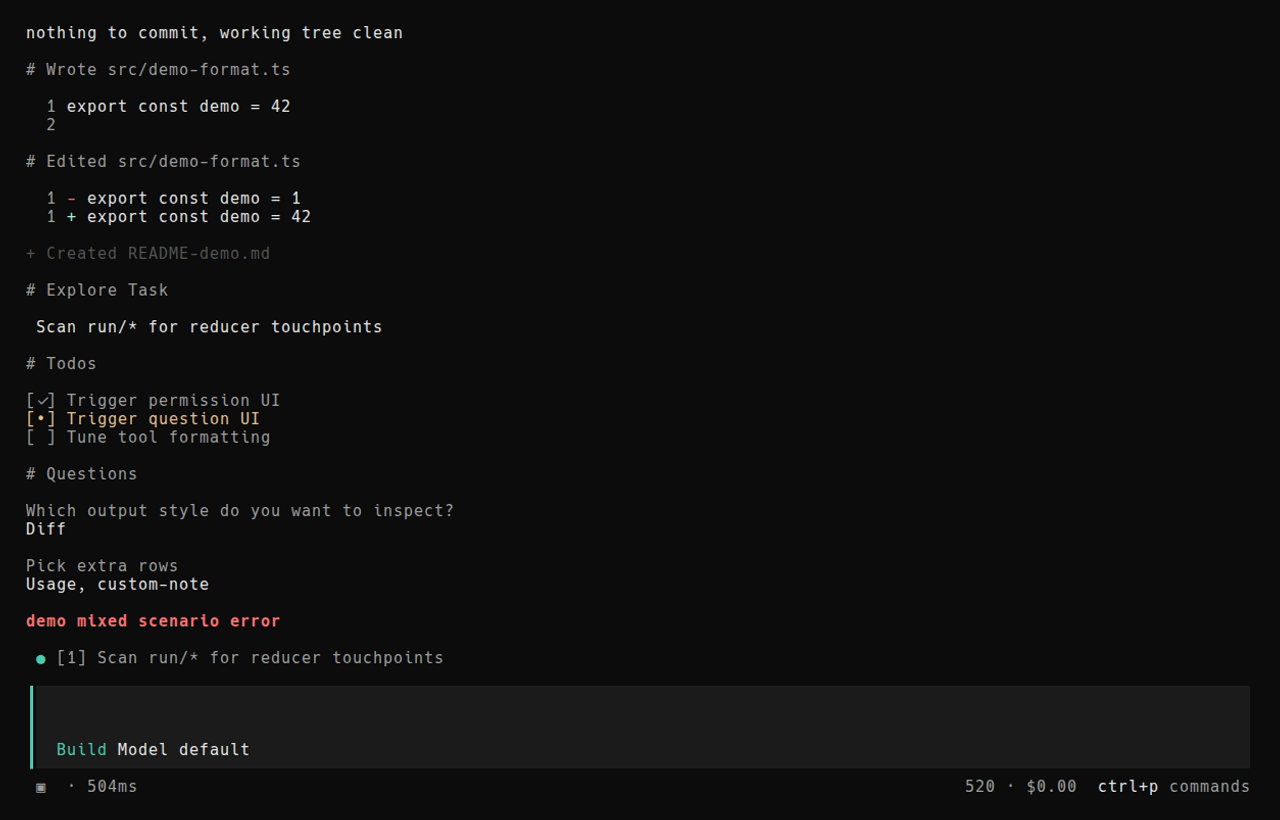
The CFactory CLI (binary cfactory) runs the same agent engine as the editor — interactively (TUI) or headlessly in CI.
Get the CLI
Install CFactory IDE — the full package bundles cfactory with the built-in extension. On Windows, the installer registers both cfactory-ide and cfactory on your user PATH. After install, open a new terminal and verify:
cfactory-ide --version
cfactory --version
The IDE shell command is cfactory-ide; cfactory is the CLI — kept separate on purpose so they do not collide on $PATH. From WSL, cfactory-ide . works like VS Code's code . (CFactory Remote - WSL is built into the IDE).
Common commands
# Interactive session in the current project
cfactory

# One-shot task
cfactory run "fix failing tests"

# Autonomous mode (no permission prompts — trusted environments only)
cfactory run --auto "run tests and fix failures"

# Local HTTP API for editor / integrations
cfactory serve
See the command reference.
Configuration
Prefer project and user config under .cfactory/ and cfactory.json.
Typical locations:
| Scope | Path |
|---|---|
| User | ~/.config/cfactory/cfactory.json |
| Project | ./cfactory.json or ./.cfactory/ |
Use config for models, MCP servers, permissions, and agent defaults. Schema notes for contributors: CLI config schema.
MCP in the CLI
See Using MCP in CLI.